XEROX HELL
Drag in images, press "S" to save them - This will save the full image, not just the portion you see in the app! Use the mouse to drag around the image.
Play around with the sliders. The first slider adjusts the threshold/brightness, the second slider sets the blur amount, and the third slider sets the texture amount.
Images that are around 1000 x 1000 work best, but try stuff out! Different resolutions give different textures.
Attribution is appreciated (but not required). Reviews and ratings are appreciated! Let your friends know!!
----------
If you'd like to support me making more stuff like this in future and want to support me (along with some perks), you can do so on my Patreon.
Comments
Log in with itch.io to leave a comment.
Ohmigod I love this tool. Thank you for making this
This is awesome! I’ve been getting some really good results with miniatures.
really great tool! i was wondering if there was a way to make it where images could also be copy and pasted in rather than drag-only since opera's drag and drop feature is completely broken.
really nice
I tried it and edited a photo of an ex-boyfriend, now I'm scared. Great tool!!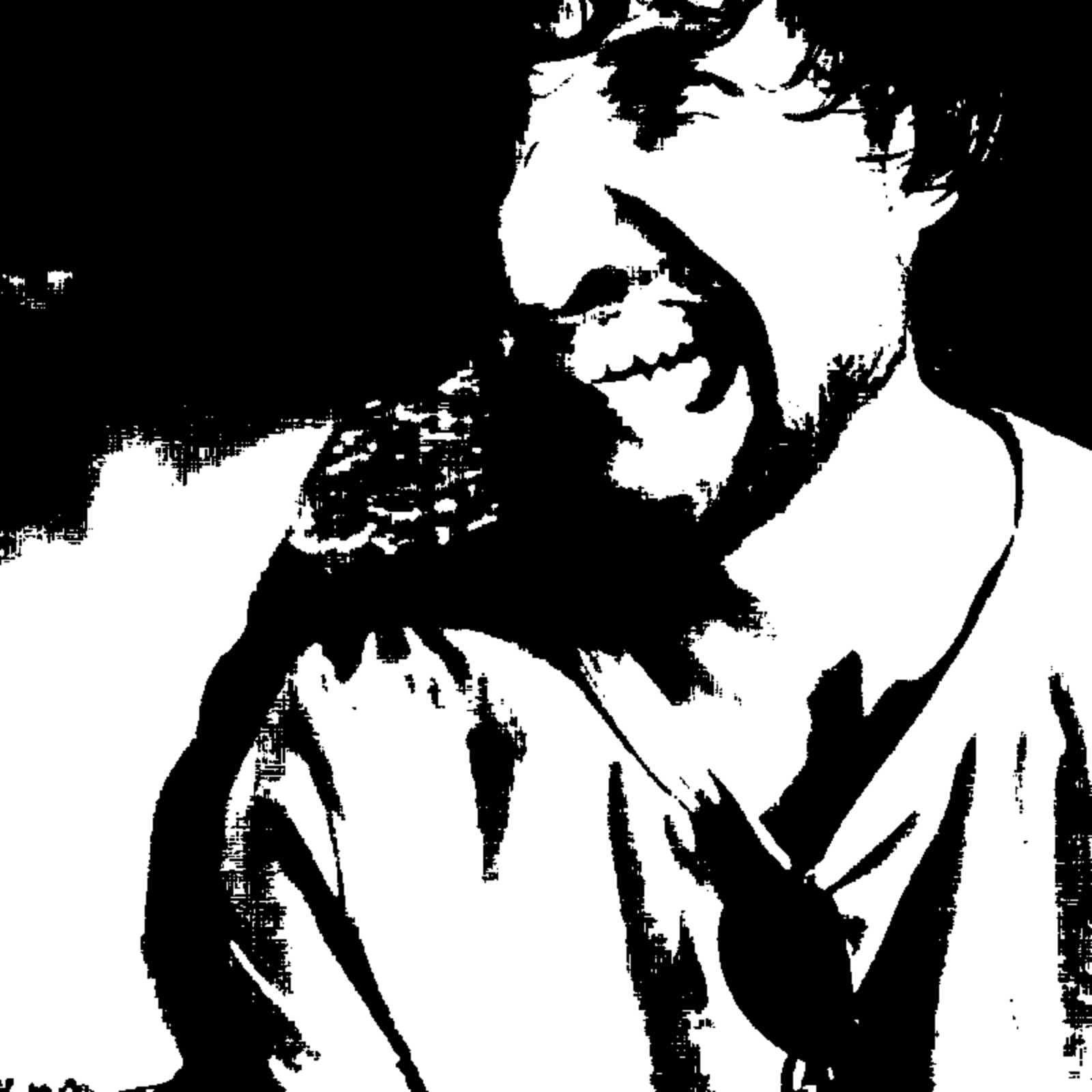
This can definitely make some cursed images. It's like the kind of prints that would come out of a Backrooms' copy machine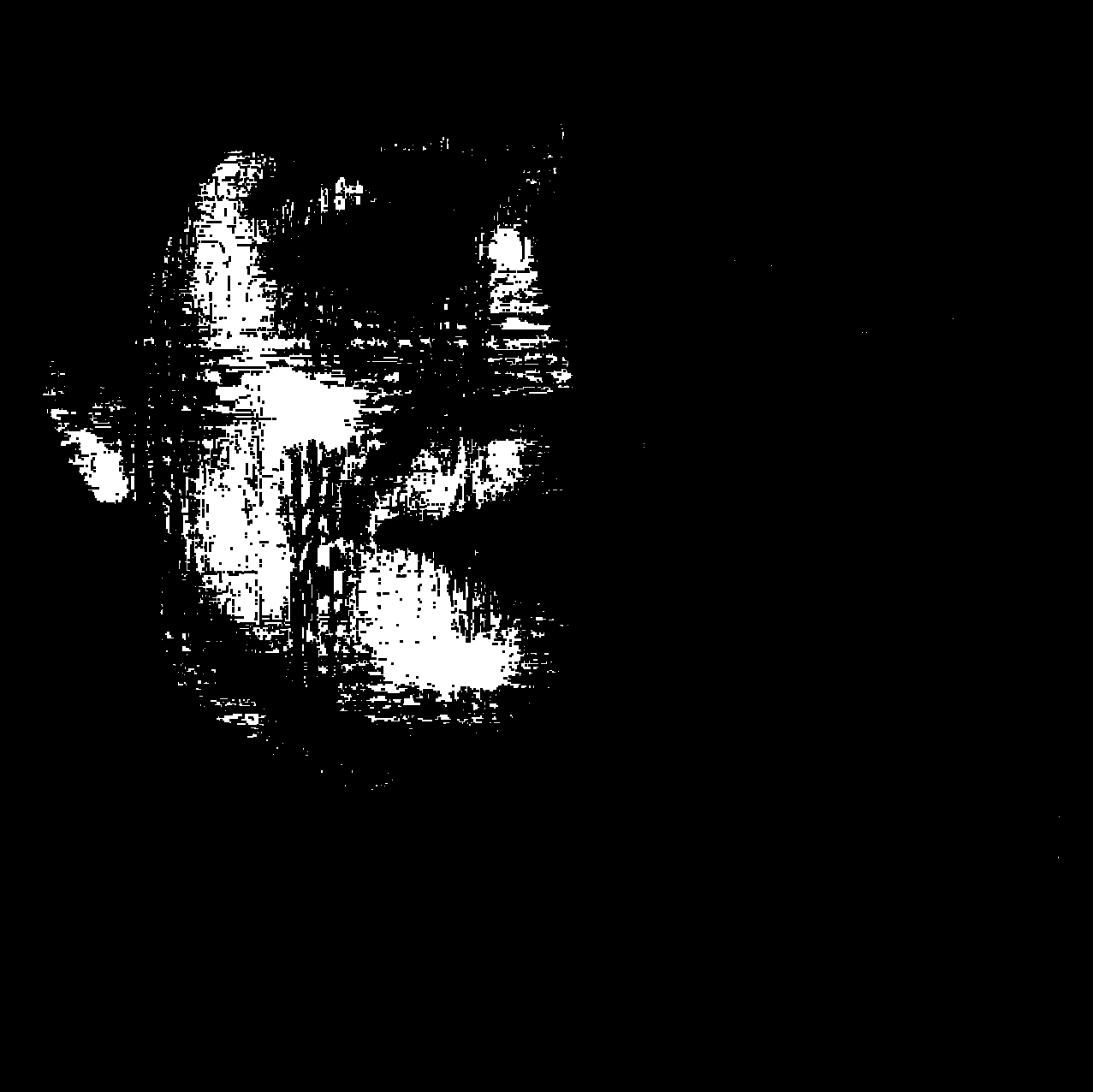
Incredible!
cool tool
oh this is a fantastic tool
this is incredible! I will absolutely be using this
sooo awesome, thank u thank u
Love this!!!!
Dope af. Thanks for making it.
Yo this is super neat! Any plans for making a downloadable version? This will go so hard in changing some screenshots into assets for my horror game I'm [slowly] working on
I am hoping to get a downloadable version out once I get some features in, but due to several health and IRL stuff I’m going through I’m not quite sure when that’s going to be!
If you've got Photoshop or GIMP, you can get a similar effect with the "threshold" feature.
It’s essentially that! It requires a guassian blur, threshold and an overlay image of some kind. I’ve made a Photoshop plugin that automates the same process: https://chaoclypse.itch.io/noise-dystopia-machine
This web tool is primarily for those who don’t have Photoshop or don’t want to use it!
awesome tool!! I found it randomly when you popped up on my youtube feed. great work!!
fuck yea, cant wait to make some crunchy zines with this bad boy
This works really nicely! Thanks for making it, will definitely save it for later.
this is hot, thank you. will be using this for noise jam 4 <3
I will use this a lot, thanks!
I have come from the YouTube to say: rad. This is super fun.
Fucking AMAZING!
This is amazing!
This is so cool!!
Excellent tool!!! thanks